Quick Save and Quick Load
Everyone gets one manual snapshot. DualScreen Pro expands this to five slots.
Native dual-screen emulation
Start with licensed homebrew games, import games you legally own, and play with touch controls or a physical controller.

DualScreenFold is shaped around the original dual-screen format, with native rendering, responsive touch, and controls that stay out of the way.
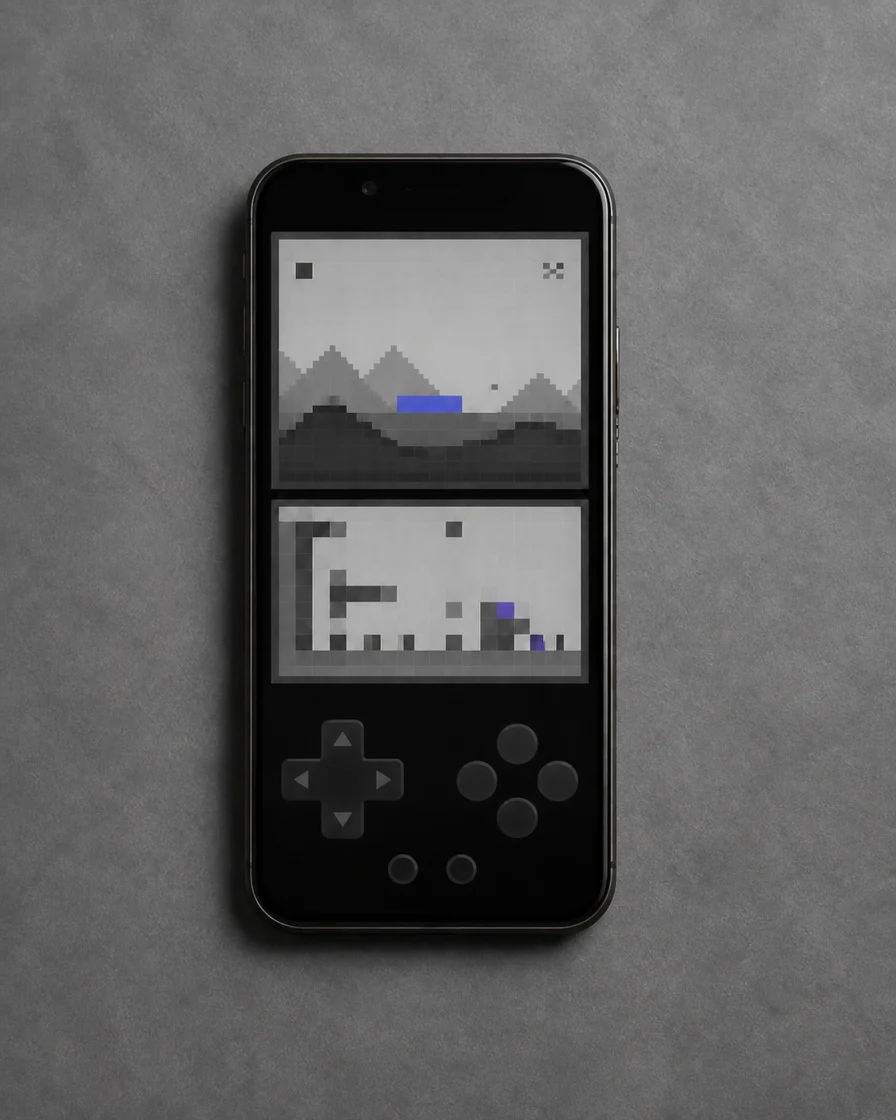
Give both screens equal space, place them side by side, or focus on the one that matters most.
Use the full on-screen layout, touch the lower display directly, or connect an extended game controller.
Local save tools keep a session close without turning it into a service.
Everyone gets one manual snapshot. DualScreen Pro expands this to five slots.

Leave a game and continue from its latest local state.
Standard in-game progress stays with the imported title.
Screen layout and controller preferences are stored per game.
Local first by design
The current version has no accounts, ads, analytics, or tracking. It does not upload ROM files or save data.
Read the complete privacy policySupport
For product support, contact Leo Liu. Please include your device model and iOS version when reporting an issue.
lsl8315@163.com